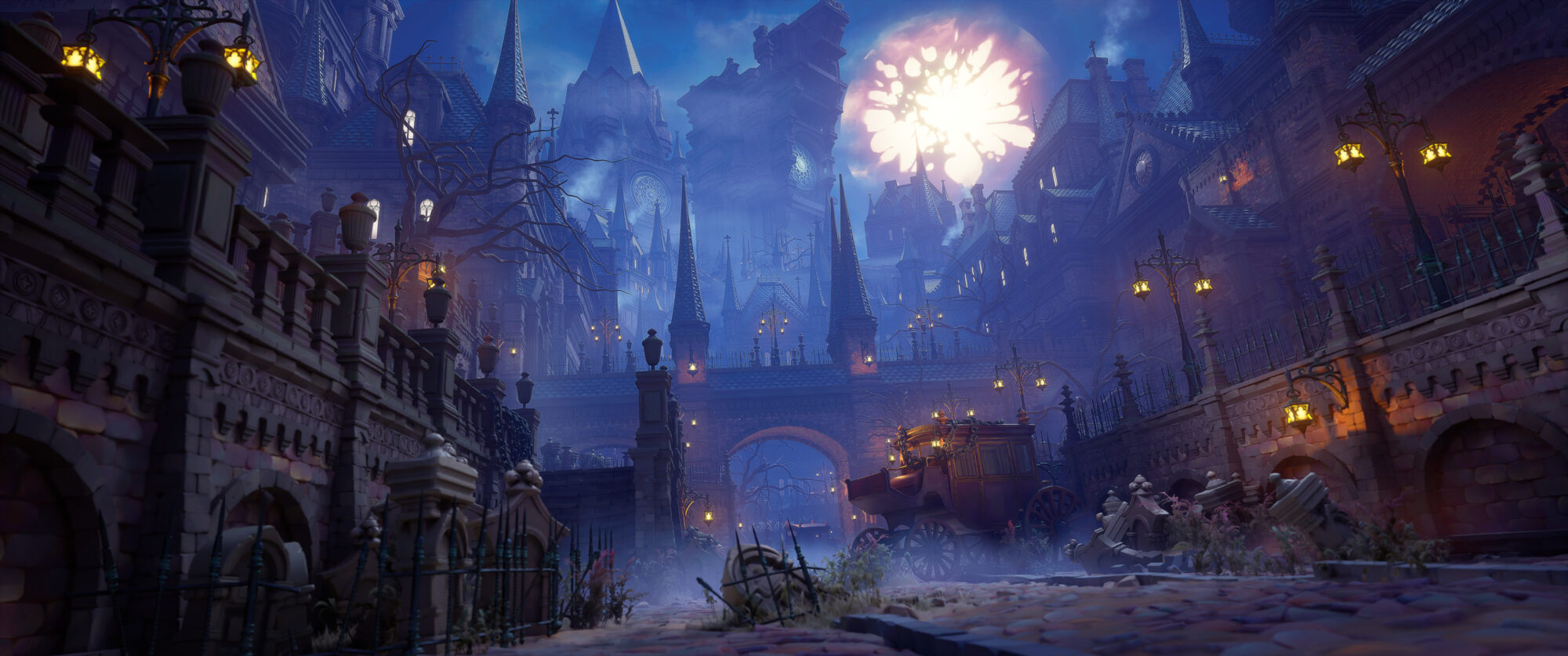
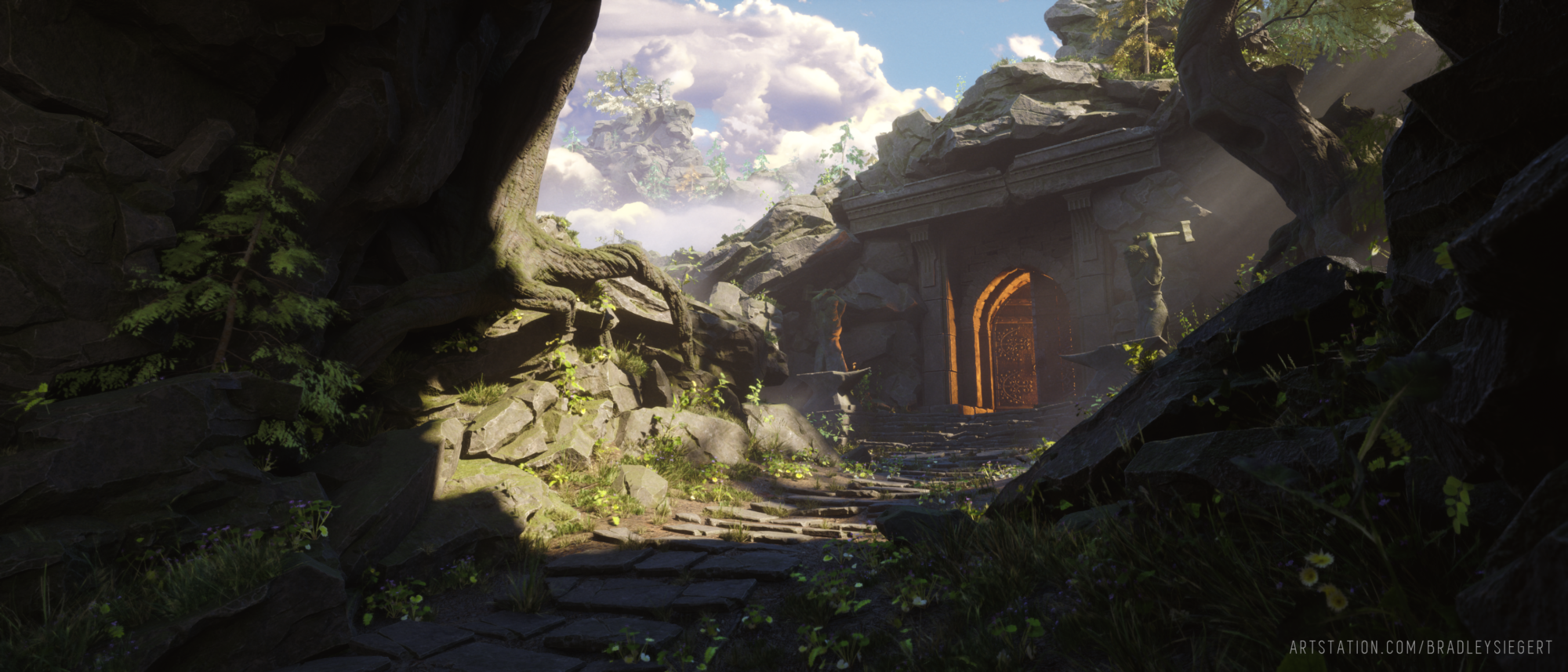
Introduction
Hey! My name is Kostia Perry, I’m also known as Tarmunds.
I’m a French Environment and Technical Artist with a strong passion for stylized art and hand-painted textures. As you’ll see in my work, I also have a deep interest in the technical aspects of environment creation.
My journey as a 3D Artist began during my studies at Artside. I originally set out to become a Concept Artist, but once I discovered that we could paint in 3D, it completely blew my mind and that’s when I shifted my focus to 3D.
Currently, I specialize in hand-painted textures, Handpainted PBR workflows, and Technical Art.
Goals
Just before starting this project, I spent some time working on another hand-painted PBR project, and I wanted to continue practicing my hand-painting skills with this new artwork.
A little while ago, I came across the amazing concepts by Ed Laag, and I was immediately inspired to try something similar.
I started with a small fountain, but my goal quickly grew into creating a larger, more ambitious piece based on this concept series.

Tools
For this project, I used Blender for modeling, as well as for retopology and UVs. I used ZBrush to create a rough high-poly version of the assets and Marmoset Toolbag for the baking process.
For texturing, I relied on 3DCoat, Textura, and Photoshop. Finally, the integration and rendering were done in Unreal Engine to showcase the work within a game engine environment.


References & Inspiration
When I started, I wanted to give the concept a special vibe, a bit of nostalgia. I’m not sure if it’s the subject itself or the way Ed Laag presented the concepts, but I got a strong Zelda feeling from it.
I aimed to recreate the concept while capturing that same Zelda spirit. I was also inspired by Studio Ghibli films, which added to the whimsical and magical atmosphere I wanted to evoke.

Blockout & Modelling
I started with a rough blockout in Blender, and during this phase, I also worked on unwrapping the UVs to plan how I would split and arrange the final UVs, keeping in mind my target texel density.
Once I had the right proportions, I moved to ZBrush to block out the shape of the roots. Given their organic form, it was easier for me to manipulate them directly in this software.
For the ornaments on the egg shape, I used the Panel Loop tool in ZBrush, which allowed me to use a mask selection to create extrusions for the details.
The main difference compared to a traditional props workflow was that here, I focused more on the overall shape and volume rather than on surfacing.
Since I planned to paint the textures afterward, my priority was to lock in an interesting silhouette rather than fully sculpting all the details.


In the ZBrush phase, I refined the shapes to add more dynamism to the overall design. I also did some back-and-forth checks in the engine using decimated meshes to see how the models looked from the camera’s perspective.
I did some sculpting on the model, with the goal of having all the major shapes already defined in the sculpt. I then used Marmoset Toolbag to capture them in Ambient Occlusion or Lighting maps.


UVs & Baking
For the baking, I used Marmoset Toolbag to bake several infomaps that would help throughout the texturing process.
I baked a world normal map (which I mainly use to get a selection of the normals that face upwards), a thickness map (which I find more useful than curvature when set up correctly), and two ambient occlusion maps: one with the floor occlusion within it and one without.
It’s crucial to properly set up the baking parameters in Marmoset to get the maximum value range from these maps, ensuring higher definition in the results.

If you’re interested, I made a guide to baking properly and to correctly set up the baking parameters within Marmoset Toolbag to get the max data out of your bake. You can find it here.
I also like to set up a blocking light directly in the Marmoset scene and bake it using the lighting properties in the baker.
This gives me a blockout-lit texture that I can use as a base for painting the final textures.
Materials & Texturing
After baking them, I imported my models into 3DCoat. I rely heavily on Photoshop Bridge throughout my workflow, both for UV painting and projection painting.
First, I created a custom base using the maps I baked, like the AO and thickness maps. Then, I began painting directly on this base in grayscale. This approach allowed me to establish the overall volume of the painting, refine the blocking, and quickly add some details.
Once the grayscale pass was completed, I added the base color, using control layers to maintain flexibility and adjust as needed.

At this point, it’s just painting and fun. The main goal is to add life through color variation and detail while avoiding overwhelming the visual.
That’s also why I have this soft look on the grass, to use it as a rest area for my piece. Painting those rock totems was fun.

For the texture of the grass, I used a Runtime Virtual Texture from the ground to seamlessly blend the grass into it.
This technique gave the grass a soft shading effect, with the transition occurring only where it meets another material or at the tips of the grass blades.

For the flowers, I baked the pivot position and length of the flower, which allowed me to add custom rotation and create a more natural wind effect.
This is something I focused on throughout my work; especially with complex foliage, I avoid the typical “yippie wind” effect (simple grass wind) in favor of a more refined and controlled movement.
For the sword, I followed the basic baked props workflow based on the amazing concept created by Olympia del Medico. Once that was done, I decided to enhance the emissive properties to give it a magical effect.
To reinforce the Zelda vibe, I took inspiration from the Master Sword and the little VFX it had when it was locked in the stone.
To achieve this, I created a simple billboard using WPO and applied a wavy texture to give the sword an aura effect.

Read more articles
You might also like these articles.